







Every online account you own is a potential doorway into your financial life, your personal communications, and your professional reputation. Hackers do not need to be geniuses to break in. Most account takeovers happen because of simple, preventable mistakes: reused passwords, ignored security settings, and clicking the wrong link.
The scale of the problem is staggering. Credential stuffing attacks—where leaked email and password combinations from one breach are tested against dozens of other services—account for a significant majority of account takeovers. Billions of stolen credentials circulate on dark web marketplaces, and attackers automate login attempts at a scale no human could match.
The good news is that protecting your accounts does not require technical expertise. It requires consistency. The ten steps below are simple, mostly free, and together they close the doors that hackers rely on most. Implement them one by one, and you will be far more secure than the average internet user.
1. Use a Unique Password for Every Account
This is the single most important step. If you use the same password on multiple sites, a breach at one company hands attackers the keys to every other account you own.
The math is simple: when a shopping site you used once gets breached, attackers take that email and password combination and try it on Gmail, Facebook, your bank, and every other service. This technique—credential stuffing—succeeds because over 65% of people reuse passwords.
What to do:
- Never reuse passwords between accounts, especially for email, banking, and social media
- Each password should be at least 12 characters, mixing uppercase, lowercase, numbers, and symbols
- If remembering dozens of unique passwords sounds impossible, that is because it is—which is why you need a password manager
2. Start Using a Password Manager
A password manager generates, stores, and autofills strong, unique passwords for every account. You only need to remember one master password.
Why it matters:
Without a manager, people revert to simple, memorable passwords or reuse them across sites. A manager removes that temptation entirely. It also protects against phishing—because the manager will not autofill your credentials on a fake website that does not match the real domain.
Recommended options:
- Bitwarden: Free tier is excellent, open source, works across all devices
- 1Password: Polished interface, built-in breach monitoring, family plans available
- KeePassXC: Completely offline and local, ideal for privacy-focused users
What to do:
Choose one, install the browser extension and mobile app, and start migrating your accounts. This takes an afternoon, but it permanently upgrades your security posture.
3. Turn On Two-Factor Authentication (2FA) Everywhere
Two-factor authentication requires a second proof of identity beyond your password—usually a code from your phone or an authenticator app. Even if a hacker steals your password, they cannot log in without that second factor.
Why it matters:
2FA blocks the vast majority of automated account takeover attempts. It is the difference between a stolen password being a minor inconvenience and a full account compromise.
Best options in order of security:
- Hardware security keys (YubiKey, Google Titan): The gold standard, nearly impossible to phish
- Authenticator apps (Google Authenticator, Microsoft Authenticator, Authy): Strong protection, works offline
- SMS codes: Better than nothing, but vulnerable to SIM-swapping attacks
What to do:
Enable 2FA first on your email, banking, and primary social accounts. Then work through everything else. It takes a few minutes per account and provides the highest return on security effort of any step on this list.
4. Never Click Suspicious Links in Emails or Texts
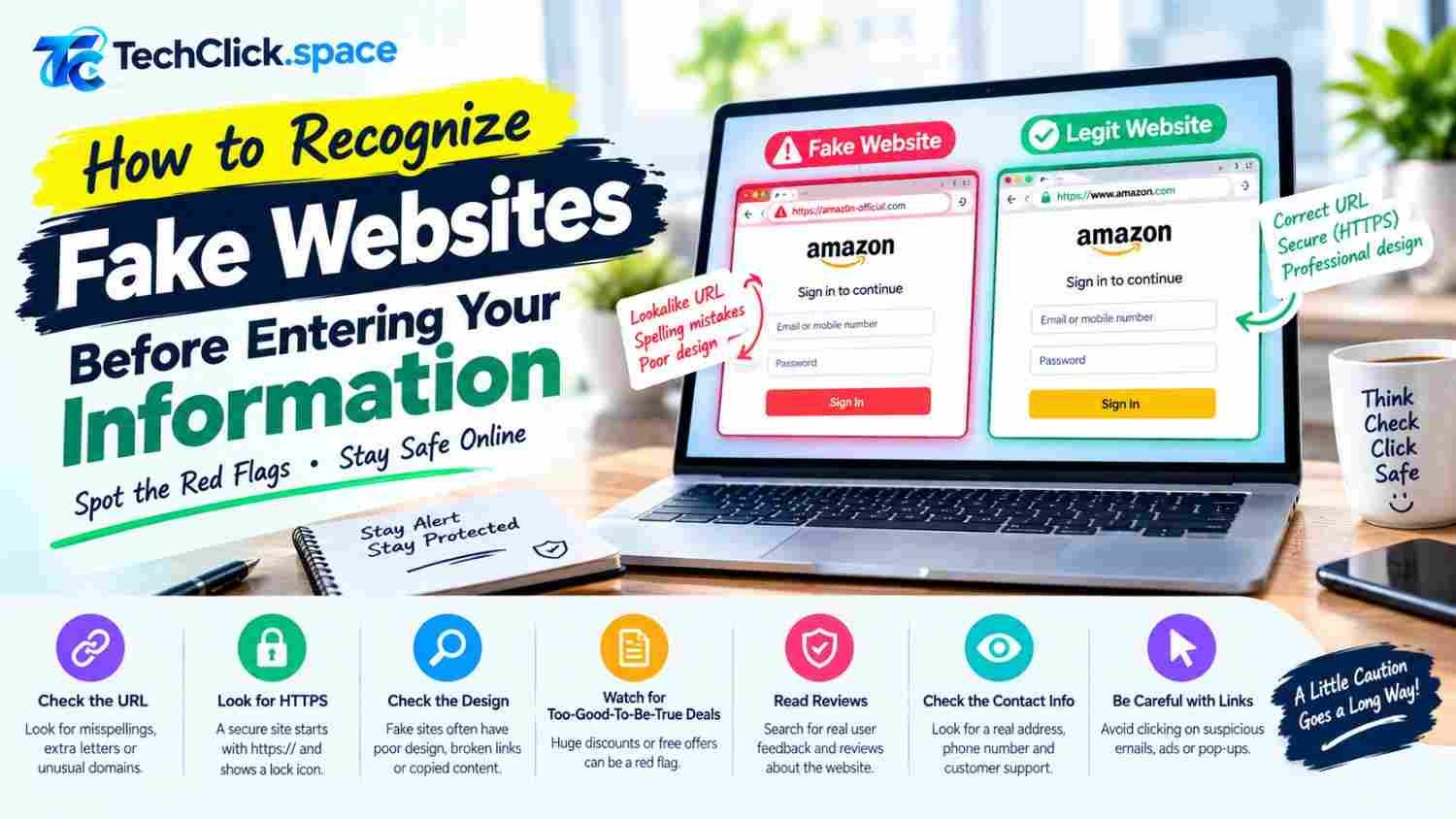
Phishing remains the most common way attackers gain initial access. They send emails or texts that look like they come from your bank, a delivery service, or a colleague, hoping you will click a link and enter your credentials on a fake login page.
Warning signs:
- Urgency: “Your account will be closed in 24 hours”
- Generic greetings: “Dear Customer” instead of your name
- Mismatched sender addresses: The display name says “PayPal” but the address is something random
- Suspicious links: Hover over the link to see the real URL before clicking
- Unexpected attachments: Especially invoices, receipts, or shipping notifications you did not request
What to do:
Never click links in unexpected messages. Instead, open your browser, navigate to the official website directly, and log in there. If the message is legitimate, you will find the same information waiting for you.
5. Keep Your Devices and Software Updated
Software updates are not just about new features. They patch security vulnerabilities that attackers actively exploit. Running outdated software is like leaving a window unlocked.
What to do:
- Enable automatic updates on your operating system, browser, and mobile apps
- Do not postpone system restarts when prompted for security updates
- Check for updates on your router firmware periodically—it is often overlooked
- Uninstall software you no longer use, as dormant apps can harbor unpatched flaws
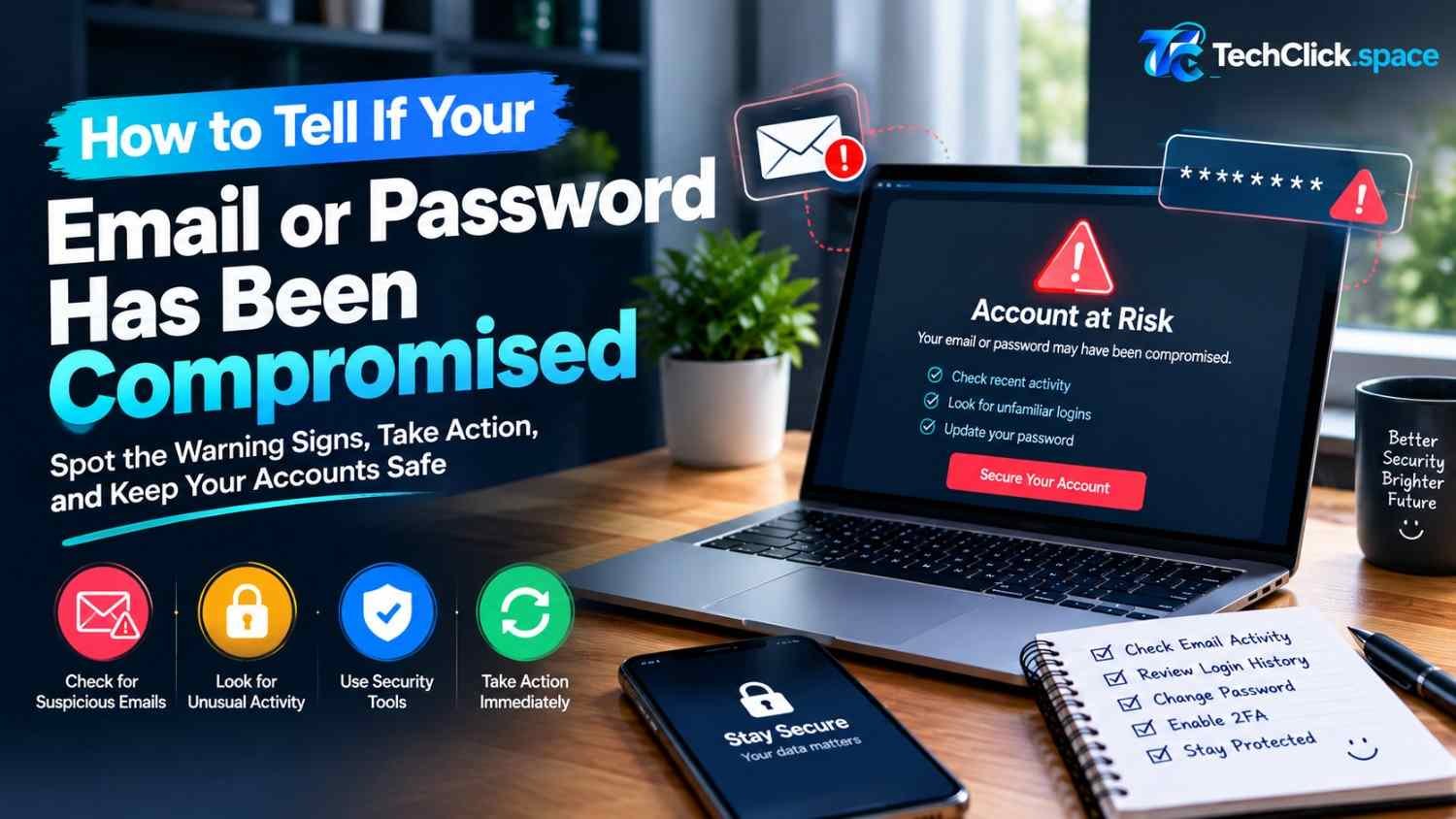
6. Monitor Your Accounts for Suspicious Activity
The faster you notice unauthorized access, the faster you can contain the damage. Most major services provide tools to help.
What to do:
- Review login alerts: Enable notifications for new device logins on email, banking, and social accounts
- Check active sessions: Google, Microsoft, Apple, and Facebook all show a list of devices currently logged into your account. Sign out anything you do not recognize
- Review recovery settings: Make sure your recovery email and phone number are current and not controlled by someone else
- Check account activity logs: Many services show recent security events, including password changes and new app connections
7. Be Careful What You Share on Social Media
Social engineering attacks use information you publicly share to guess passwords or impersonate you. Common targets include pet names, birthdays, mother’s maiden name, and hometown—all common password reset verification questions.
What to do:
- Avoid posting your full birth date, home address, or phone number publicly
- Be cautious about quizzes and games that ask for personal details (“Your stripper name is your first pet plus your mother’s maiden name”)
- Review your social media privacy settings and limit who can see your posts
- Do not announce extended travel plans publicly—it signals an empty house
8. Secure Your Email Account First
Your email is the master key to your digital life. Anyone who controls it can reset the password on nearly every other account you own by using the “Forgot Password” function.
What to do:
- Give your email account the strongest unique password you have
- Enable 2FA on your email before any other account
- Review email forwarding rules—attackers often set up silent forwarding to monitor your messages
- Check for unauthorized filters or rules that move certain emails out of your inbox
- Remove old connected apps and third-party services you no longer use
9. Avoid Logging In on Public Wi-Fi Without Protection
Public Wi-Fi networks in cafes, airports, and hotels are convenient targets for attackers. On an unsecured network, a hacker on the same network can potentially intercept your traffic or set up a fake hotspot that mimics the real one.
What to do:
- Avoid logging into banking or sensitive accounts on public Wi-Fi
- Use a reputable VPN if you must handle sensitive tasks on public networks
- Turn off automatic Wi-Fi connection on your devices so you do not unknowingly join malicious networks
- Use your phone’s mobile hotspot instead when possible—it is more secure than open Wi-Fi
10. Have a Recovery Plan Before You Need It
If your account is compromised, panic leads to mistakes. Having a plan in place makes recovery faster and less stressful.
What to do:
- Keep recovery information current: Ensure your recovery email and phone number are up to date on all important accounts
- Save backup codes: When you enable 2FA, you receive backup codes. Store them in your password manager, not in a screenshot on your phone
- Know the recovery process: Familiarize yourself with how to recover your email and banking accounts before an emergency
- Act immediately: If you suspect compromise, change your password, sign out all devices, and check for unauthorized changes to recovery settings
- Report to the platform: Most services have dedicated account recovery teams and processes
Conclusion
Protecting your accounts from hackers does not require advanced technical skills. It requires a handful of consistent habits: unique passwords, a password manager, two-factor authentication, and caution with links and public networks.
Start with the highest-impact steps first. Secure your email account. Enable 2FA on your banking and social media. Install a password manager. Then work through the rest of the list over the following weeks.
The goal is not perfect security—that does not exist. The goal is to be a harder target than the average user. Hackers are looking for easy access. Every step you take makes you less attractive as a target and dramatically reduces your risk of account takeover.