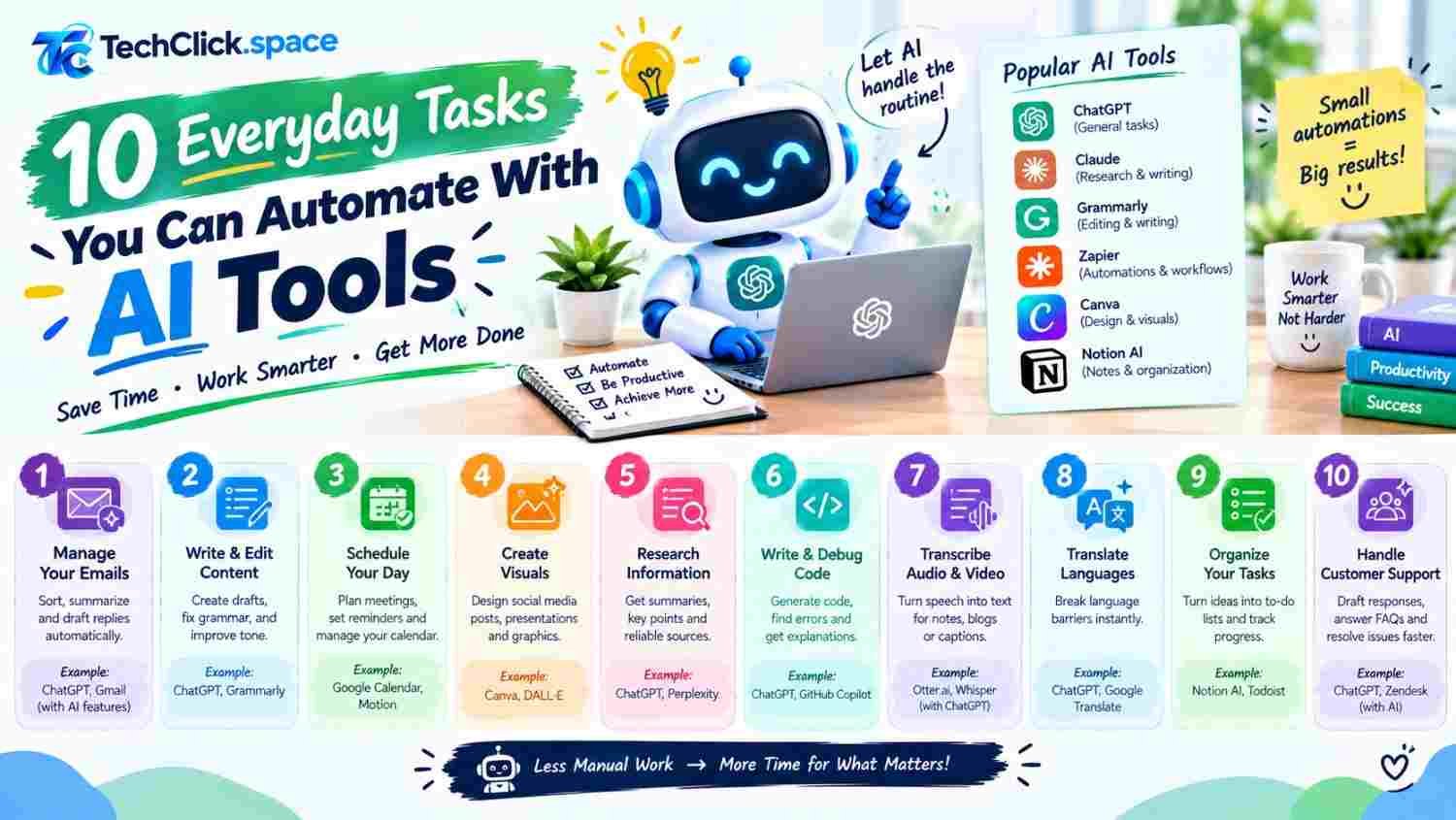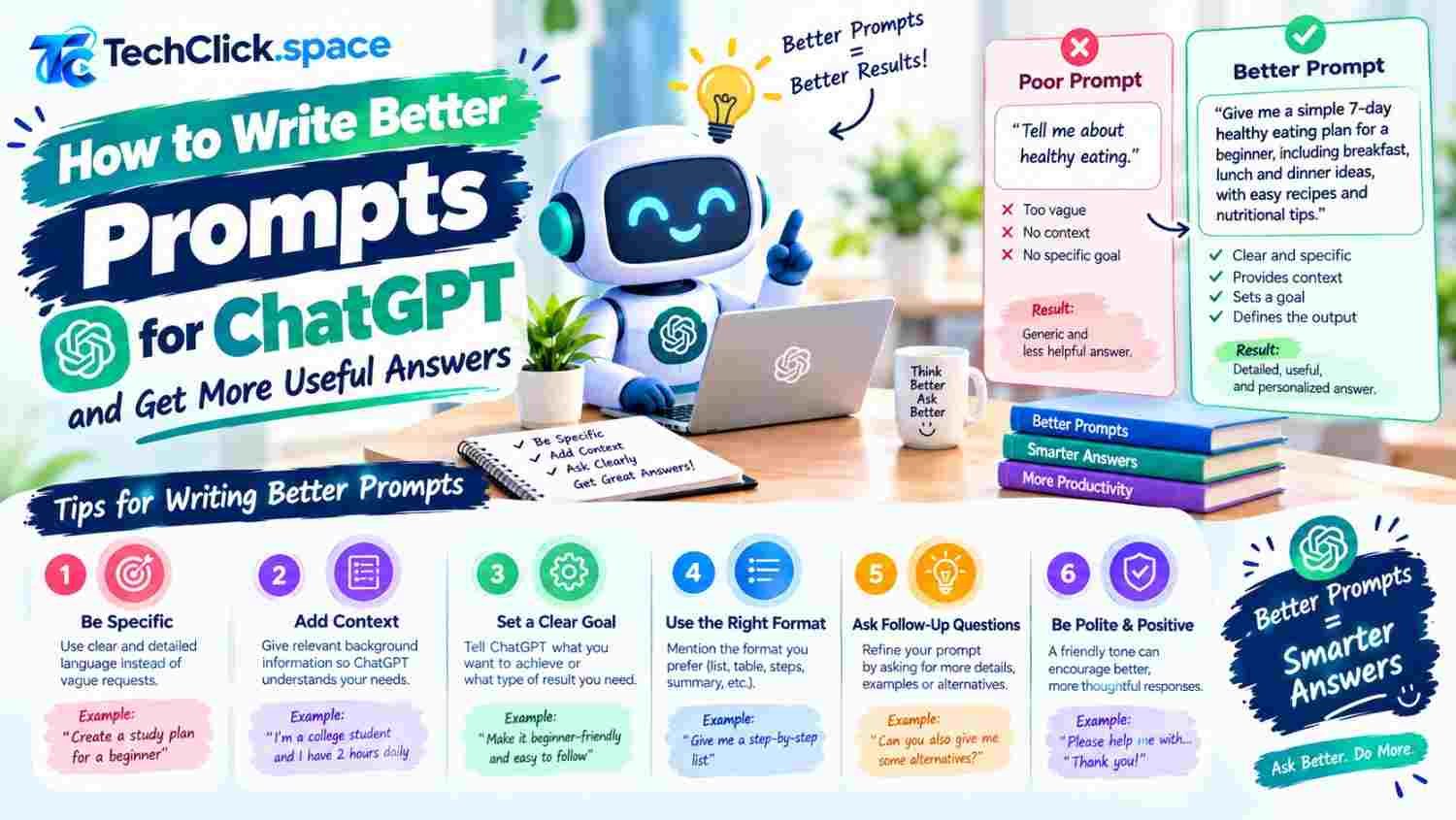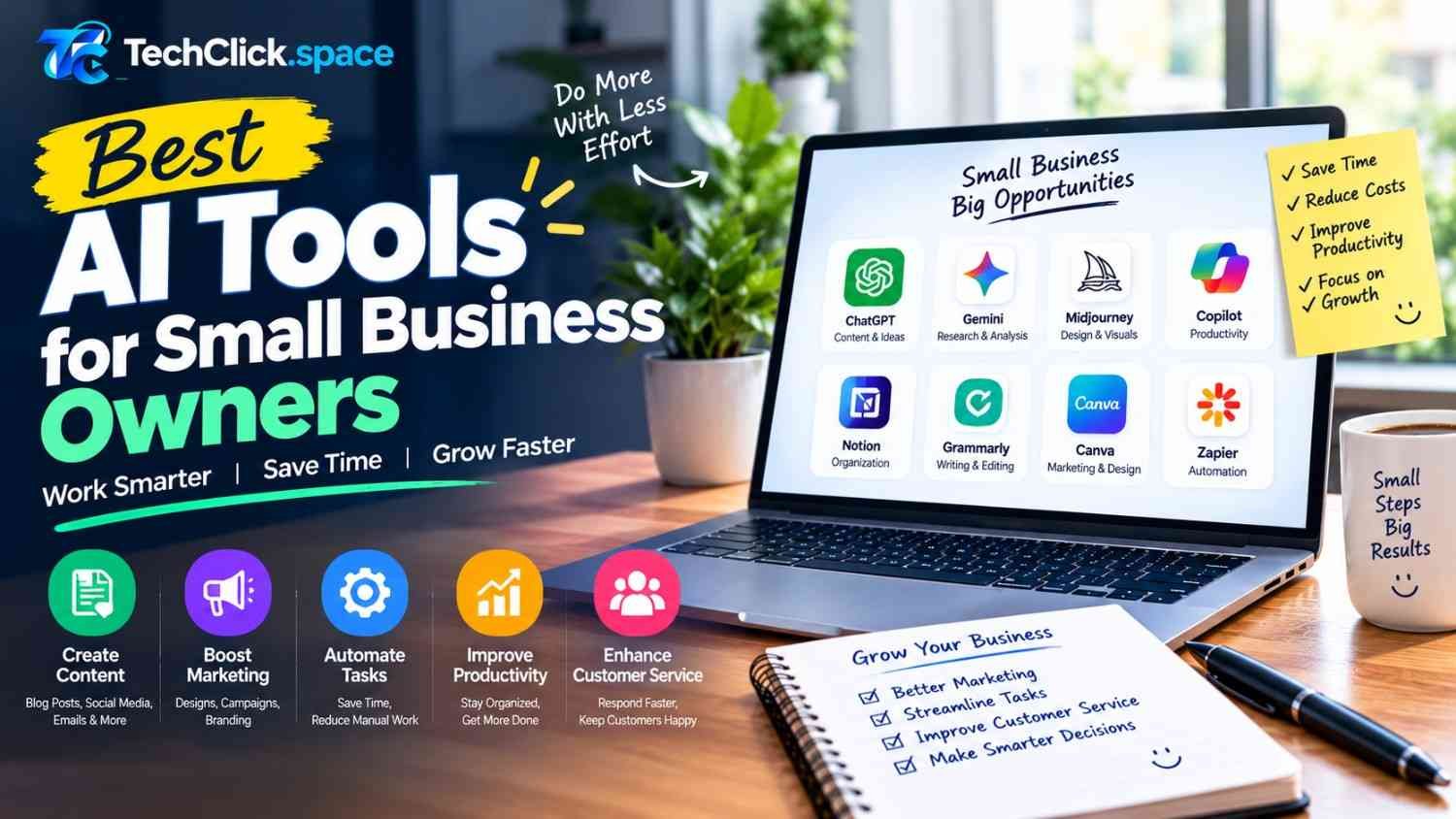








In the modern workplace, time is the most valuable currency. Professionals constantly seek tools that can help them manage heavy workloads, communicate effectively, and focus on high-value tasks rather than administrative drudgery. Generative AI has emerged as a transformative solution, and at the center of this revolution is ChatGPT.
Learning how to use ChatGPT for work is no longer just a novelty; it is a competitive advantage. Recent research suggests that professionals using ChatGPT for writing tasks can complete them 40 percent faster while improving the quality of their output . This isn’t about replacing human judgment but augmenting it. By delegating routine cognitive tasks to an AI assistant, you can reclaim hours of your week.
This guide explores ten practical, actionable ways to integrate ChatGPT into your daily professional life. From drafting complex emails to automating data analysis, these strategies will help you streamline your workflow and achieve more in less time.
1. Drafting and Refining Professional Emails
Email overload is a common complaint in almost every industry. Whether you are writing to a client, a team member, or a senior executive, the tone and clarity of your message matter. ChatGPT can serve as your personal editor, helping you strike the right balance between professionalism and approachability.
How to do it:
Instead of staring at a blank screen, provide ChatGPT with the context. For instance, you can input a rough draft of your email and ask it to “rewrite this in a professional but friendly tone.” Alternatively, you can provide bullet points of what you want to communicate and ask ChatGPT to generate a full email.
Practical Prompt Example:
“Draft an email to a client informing them about a minor project delay. The tone should be calm, solutions-oriented, and apologetic without being overly defensive. Offer a revised timeline of three days.”
This approach ensures you never suffer from writer’s block again. You can also use ChatGPT to shorten lengthy emails for better readability or to adjust the tone for different cultural contexts. The goal is not to send the first output, but to use it as a robust starting point that you can quickly personalize .
2. Summarizing Meetings and Creating Action Items
Meetings can consume significant portions of the workweek. The post-meeting phase—writing up minutes and identifying action items—is often tedious but critical for project momentum. ChatGPT excels at synthesizing large blocks of text into clear, digestible summaries.
How to do it:
If you have a transcript of a meeting or even messy personal notes, you can feed them into ChatGPT. The tool can extract key decisions, identify who is responsible for specific tasks, and outline the next steps.
Practical Prompt Example:
“Here are my raw notes from today’s project kickoff. Please summarize the key decisions made, list all action items with the responsible team members, and flag any deadlines mentioned.”
This use case is particularly powerful when combined with tools that automatically transcribe meetings. By turning raw dialogue into structured, searchable text, you create a reliable record that prevents tasks from falling through the cracks. According to OpenAI Academy resources, this is a core benefit of using ChatGPT for work: turning scattered information into a prioritized plan .
3. Automating Repetitive Reporting and Data Analysis
For many professionals, spreadsheets and reports are a necessary evil. Analyzing data and writing summaries can take hours. ChatGPT can drastically reduce this time by helping you clean data, identify trends, and draft the accompanying narrative.
How to do it:
You can upload spreadsheet files to ChatGPT and ask it to analyze the data. It can identify anomalies, create charts, and suggest insights that might not be immediately obvious. For instance, if you are reviewing quarterly sales data, you can ask the AI to highlight the top-performing regions and draft a summary paragraph explaining the variance.
Practical Prompt Example:
“Review this sales spreadsheet for the last quarter. Identify the top three products by revenue, calculate the month-over-month growth rate, and write a short executive summary highlighting any concerning downward trends.”
This capability transforms raw numbers into actionable business intelligence. It allows you to move from manual data entry to strategic interpretation. One contractor used ChatGPT to build a script that processes subcontractor invoices, saving him roughly five to six hours a week .
4. Brainstorming and Content Creation
Whether you are a marketer, a product manager, or a consultant, the need for fresh ideas is constant. ChatGPT can act as an infinite brainstorming partner, helping you overcome creative blocks and explore angles you might not have considered.
How to do it:
Use ChatGPT to generate lists of ideas, potential headlines, or marketing angles. You can ask it to “act as a creative director” and critique your existing concepts. This is particularly useful for content marketing, where you need to generate blog post ideas, social media captions, and video scripts.
Practical Prompt Example:
“I need to write a blog post about sustainable office practices. Please provide 10 potential angles for the article, ranging from practical tips to thought leadership, and suggest an SEO-friendly title for each.”
The key is to use these suggestions as seeds. The AI provides the breadth, and you provide the depth and expertise to turn a good idea into a great piece of work.
5. Improving Writing Quality and Grammar
Even the most experienced writers make mistakes. ChatGPT can function as a sophisticated proofreader and style editor. It can check for grammar, punctuation, and spelling errors, but its real value lies in improving sentence structure, flow, and readability.
How to do it:
Paste your text into ChatGPT and ask it to “proofread and enhance clarity.” You can specify a desired reading level (e.g., “make this accessible for a general audience”) or a specific style guide (e.g., AP Style).
Practical Prompt Example:
“Proofread the following report. Improve the sentence flow, eliminate passive voice where possible, and ensure the tone remains formal and authoritative.”
For non-native speakers, this is an invaluable tool for ensuring professional communication. For native speakers, it helps eliminate the “curse of knowledge” by simplifying complex ideas into clear, concise language.
6. Generating and Refining Presentation Outlines
Creating a compelling presentation requires a strong narrative arc. ChatGPT can help you structure your slide deck, ensuring that your message is logical and persuasive.
How to do it:
Provide ChatGPT with the topic of your presentation and the key takeaways you want your audience to remember. Ask it to create a slide-by-slide outline, including suggested visuals and speaker notes.
Practical Prompt Example:
“Create a 10-slide presentation outline for a quarterly business review. The audience is the executive team. The key message is that we are pivoting our strategy due to market changes. Suggest a compelling opening and a clear call to action.”
This approach saves you from the paralysis of starting with a blank slide. You get a structured framework that you can then populate with your specific data and insights. The AI ensures you don’t miss critical components like an agenda, a summary, or next steps.
7. Streamlining Research and Information Synthesis
Research involves gathering information from multiple sources and distilling it into a coherent understanding. ChatGPT can accelerate this process by summarizing articles, comparing viewpoints, and extracting key data points.
How to do it:
If you are researching a new industry trend, you can ask ChatGPT to explain the concept in simple terms. You can also provide it with links to articles (using browsing capabilities) or paste text from multiple sources and ask it to compare and contrast them.
Practical Prompt Example:
“Summarize the key arguments in these three articles about remote work productivity. Create a table that compares their conclusions on the impact on team collaboration.”
This capability is a game-changer for competitive analysis, market research, and due diligence. It allows you to process a larger volume of information in a fraction of the time, keeping you better informed .
8. Creating Standard Operating Procedures (SOPs)
Documenting processes is essential for scaling a business and ensuring consistency, but writing SOPs is often put on the back burner because it is time-consuming. ChatGPT can help you draft these documents quickly.
How to do it:
Describe a process to ChatGPT step-by-step, and ask it to format the information into a professional SOP. You can specify the format, such as a numbered list with clear headings and a section for troubleshooting.
Practical Prompt Example:
“Create a Standard Operating Procedure for onboarding a new client. Include steps for the initial welcome email, the kickoff call checklist, and the setup of the project management workspace. Format it as a formal document.”
This use case is invaluable for managers and team leads. It allows you to capture institutional knowledge and turn it into a reusable asset that improves team efficiency and reduces training time.
9. Overcoming Writer’s Block with “Persona Prompting”
Sometimes the hardest part of a task is simply getting started. ChatGPT can help you break through inertia by adopting different personas. This technique, known as persona prompting, involves asking the AI to take on a specific role to generate more tailored responses.
How to do it:
Instead of asking a generic question, tell ChatGPT who it is. Are you a senior financial analyst? A skeptical customer? A creative copywriter? The persona shapes the vocabulary and the focus of the output.
Practical Prompt Example:
“Act as a skeptical CFO reviewing this budget proposal. Identify the three weakest assumptions in the financial projections and ask challenging questions about the ROI.”
Research indicates that assigning a persona yields significantly more varied and useful outputs, with performance differences of up to 38 percentage points between persona types . This technique is excellent for stress-testing ideas, preparing for difficult conversations, and ensuring your work is robust from multiple perspectives.
10. Scheduling Recurring Tasks and Workflows
For tasks that you do every day or every week, you can move beyond manual prompting by using scheduled tasks or building reusable workflows. This is the ultimate level of ChatGPT productivity.
How to do it:
ChatGPT offers a Tasks feature that allows you to set recurring prompts. For example, you can ask for a daily news briefing or a weekly summary of specific topics. For more complex workflows, you can create reusable prompt templates that you run whenever a recurring task arises .
Practical Prompt Example:
“Every Monday morning, provide a summary of the latest news in the renewable energy sector and highlight three articles I should read based on my interest in solar technology.”
By automating these recurring cognitive tasks, you free up mental bandwidth for the work that truly requires your unique human expertise. You can build a personal library of these prompts, turning ChatGPT into a reliable member of your support team.
Conclusion
The question is no longer whether AI will play a role in the workplace, but how effectively you can leverage it. Learning how to use ChatGPT for work is a journey of continuous improvement. Start with one or two use cases that address your biggest time drains—perhaps email management or meeting summaries. As you become more comfortable with prompt engineering, you can expand into more complex workflows like data analysis and process documentation.
Remember that ChatGPT is an assistant, not a replacement for your judgment. The most successful users are those who treat the AI as a tool for augmentation—using it to handle the repetitive and the routine so they can focus on strategy, creativity, and relationships. By implementing these ten practical strategies, you can save hours each week and elevate the quality of your professional output.