






Small business owners face a unique dilemma: you need the tools that big companies use, but you do not have the budget or the team to manage them. That is exactly where AI tools prove their worth in 2026.
Today’s AI platforms are no longer gimmicks. They solve specific, time-consuming problems—writing marketing copy, transcribing client calls, managing your inbox, producing social media content—at prices that make sense for a business with five employees or one. McKinsey research consistently shows that companies capturing the most value from AI pair it with a clear, quantified approach that measures the technology’s actual contribution to revenue or efficiency.
The challenge is selection. There are hundreds of AI tools on the market, and many simply repackage basic automation as “AI.” This guide cuts through the noise and presents the tools that deliver measurable returns for US small business owners. Each entry was selected for its ability to solve real business problems, not for how impressive the technology sounds.
1. ChatGPT: The All-Purpose Workhorse
Best for: Handling almost any task, from drafting emails to research to brainstorming
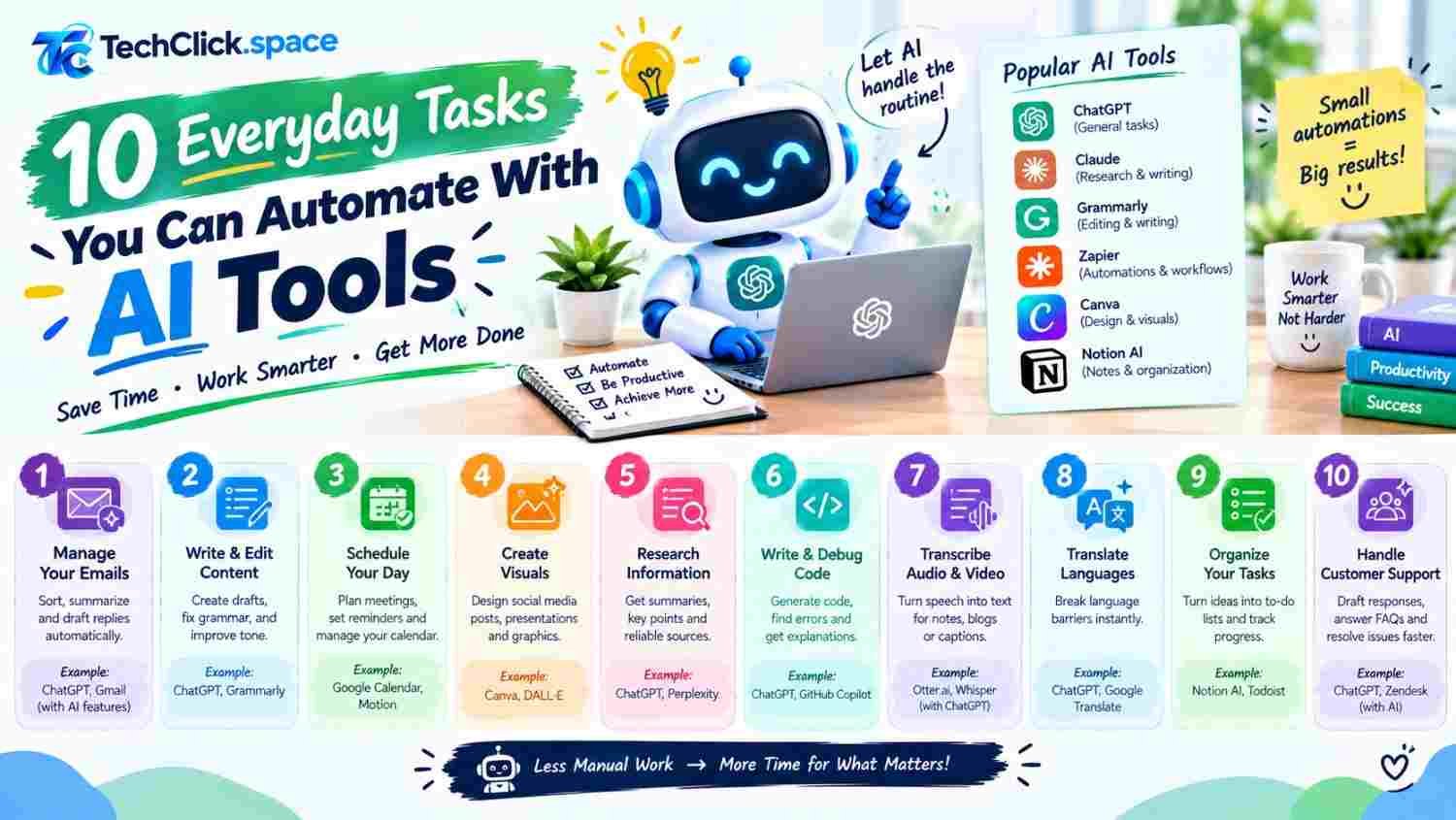
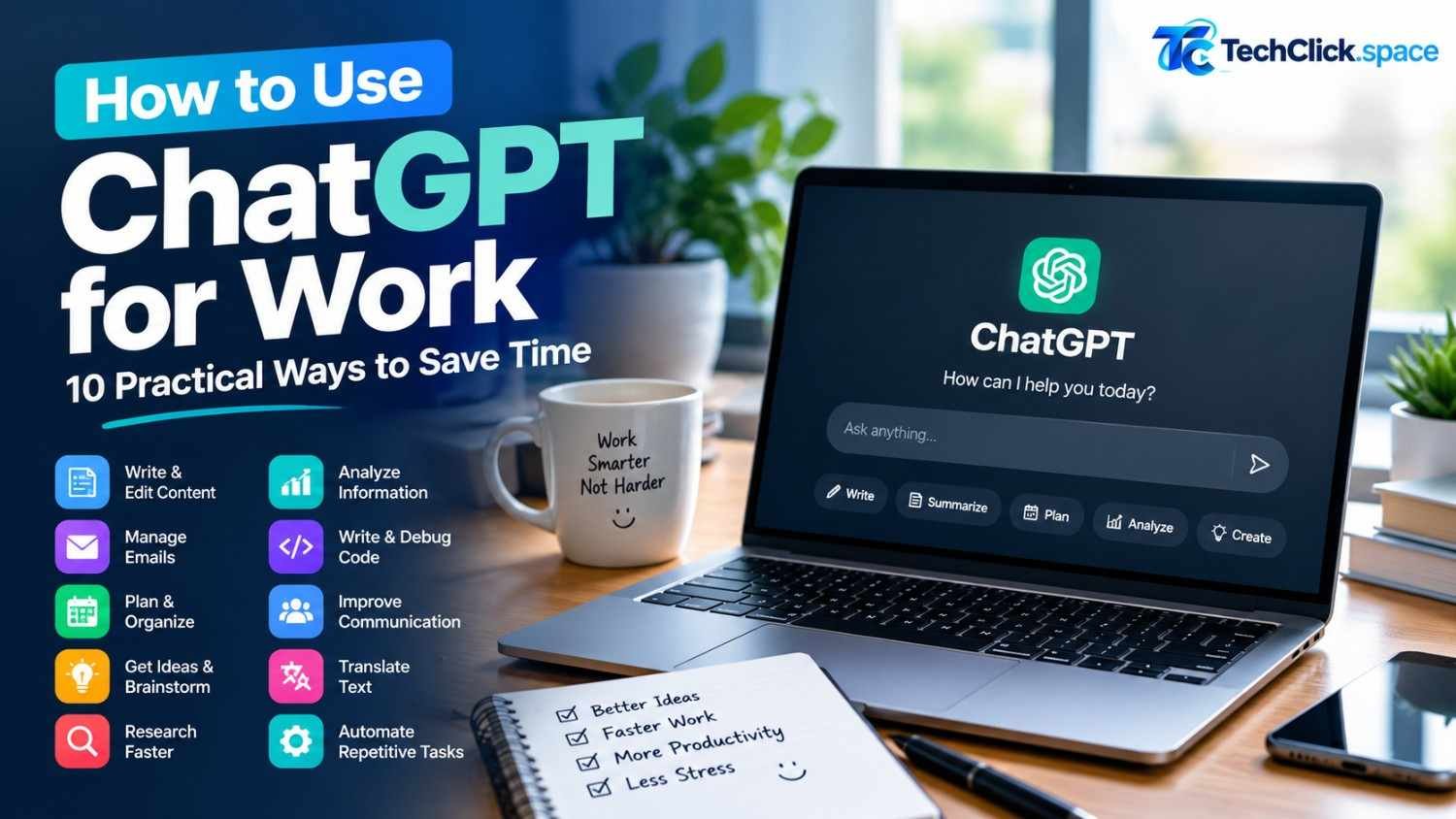
ChatGPT remains the most widely used Free AI assistant, and for good reason. It works across text, images, and voice through its web interface, mobile app, and developer API. For a small business owner, this means one tool for content creation, customer email drafting, research, and even writing simple code to automate repetitive tasks.
Key features for small business:
- Multimodal conversations: Handle text, images, and voice in a single conversation—describe a problem, upload a screenshot, or work hands-free
- Real-time web search: Search the web during a conversation for current information and up-to-date data
- Voice conversations: Natural, two-way voice interaction for hands-free work
- Code generation: Write and debug code to help you automate tasks or build simple internal tools
Pricing: Free tier available with message limits. Paid plans start at $8/month, with higher tiers offering more usage, longer memory, and deeper capabilities.
Real-world use case: A US-based marketing consultant uses ChatGPT to draft client proposals, generate social media captions, and outline blog posts. What used to take three hours now takes forty minutes, with the consultant editing and personalizing the AI output rather than starting from scratch.
2. Claude: Complex Reasoning and Long Document Handling
Best for: Analyzing long documents, complex problem-solving, and nuanced writing
Anthropic’s Claude has built a reputation as the go-to AI for tasks that require sustained focus and deep analysis. It works across long documents and extended conversations without losing track of earlier context, making it ideal for tasks that involve large amounts of information.
Key features for small business:
- Long document processing: Read and reason over very long documents, research papers, contracts, and codebases in a single session
- Complex reasoning: Handle multi-step problems that require logic, planning, and attention to detail
- Nuanced writing: Produce copy that sounds natural and avoids the generic tone many AI tools fall into
- Artifacts: Generate structured outputs like documents, code snippets, and diagrams that you can refine in real time
Pricing: Free tier available. Pro plan at $20/month for higher usage limits and priority access.
Real-world use case: A small law firm uses Claude to review lengthy contracts and extract key clauses, flagging potential issues for attorney review. This reduces initial document review time by more than half.
3. Otter.ai: Meeting Transcription and Notes
Best for: Automatically transcribing meetings and generating action items
If you spend hours each week in client calls, team meetings, or networking conversations, Otter.ai eliminates the burden of manual note-taking. It joins your meetings, transcribes the conversation in real time, and produces a searchable summary with action items.
Key features for small business:
- Automatic meeting transcription: Connects to Zoom, Google Meet, and Microsoft Teams to transcribe calls automatically
- AI-generated summaries: Get concise recaps with key decisions and action items
- Speaker identification: Know who said what in multi-person conversations
- Searchable archive: Find any moment from any past meeting by keyword
Pricing: Free plan includes 300 monthly transcription minutes. Pro plan at $16.99/month per user offers more minutes and advanced features.
Real-world use case: A real estate agent uses Otter.ai to transcribe client calls automatically. After each showing, the agent reviews the summary to capture buyer preferences and follow-up tasks, never missing a detail.
4. Canva: Design and Visual Content Creation
Best for: Creating professional graphics, social media posts, and marketing materials without a designer
Canva has evolved from a simple design tool into a full creative platform powered by AI. For small businesses that cannot afford a dedicated graphic designer, Canva’s AI features make professional-quality visuals accessible to anyone.
Key features for small business:
- Magic Studio: AI-powered tools for generating images, writing copy, and editing photos with text prompts
- Brand Kit: Store your logos, colors, and fonts so every design stays on-brand
- Magic Resize: Instantly resize a single design for Instagram, Facebook, LinkedIn, and print formats
- Templates: Thousands of templates tailored for small business marketing, presentations, and social media
Pricing: Generous free plan. Canva Pro at $15/month or $120/year.
Real-world use case: A bakery owner uses Canva to create weekly social media posts, seasonal menus, and promotional flyers. With Brand Kit and Magic Resize, she produces a week’s worth of content in under an hour.
5. Grammarly: Writing Improvement and Brand Voice
Best for: Polishing professional communication and maintaining consistent brand tone
Grammarly goes far beyond basic spell-check. It analyzes tone, clarity, and conciseness, making it a valuable tool for any small business owner who writes emails, proposals, or marketing copy. The brand voice feature ensures every team member communicates consistently.
Key features for small business:
- Tone detection: Understand how your writing sounds to the reader before you hit send
- Brand voice: Define your company’s tone so all written communication stays consistent
- Generative AI: Draft and rewrite text directly within the tool
- Works everywhere: Integrates with email, Google Docs, Microsoft Word, and most web browsers
Pricing: Free plan covers basic grammar and spelling. Pro plan at $12/month billed annually.
Real-world use case: A consulting firm uses Grammarly’s Brand Voice feature to ensure that proposals, emails, and reports from all team members sound consistent and professional, regardless of who wrote them.
6. Zapier: Workflow Automation Without Code
Best for: Connecting your apps and automating repetitive tasks
Zapier is the connective tissue that links the tools you already use. It automates repetitive tasks between thousands of apps—for example, adding new form submissions to your CRM, sending Slack notifications for new orders, or creating calendar events from emails.
Key features for small business:
- AI-powered automation: Describe what you want to automate in plain English, and Zapier suggests the workflow
- 7,000+ app integrations: Connect almost any business tool you use
- Multi-step workflows: Build complex automations with conditions and branching logic
- Templates: Start with pre-built workflows for common small business tasks
Pricing: Free plan includes 100 tasks/month. Paid plans start at $19.99/month.
Real-world use case: An e-commerce store owner uses Zapier to automatically add new customers to an email list, create invoices, and notify the fulfillment team whenever an order is placed. Hours of manual data entry disappear.
7. Descript: Podcast and Video Editing
Best for: Editing audio and video by editing text
Descript transforms video and audio editing into something as simple as editing a document. It transcribes your recording, and you edit the transcript—delete a sentence, and it disappears from the video. This makes professional podcast and video production accessible to small businesses without editing expertise.
Key features for small business:
- Text-based editing: Edit audio and video by editing the transcript
- Studio Sound: AI-powered noise removal and audio enhancement
- Filler word removal: Automatically remove “um,” “uh,” and awkward pauses
- Overdub: Generate a synthetic voice clone to fix mistakes without re-recording
Pricing: Free plan includes basic transcription. Paid plans start at $12/month.
Real-world use case: A financial advisor produces a weekly podcast for clients. Descript lets him record, edit, and publish episodes in under an hour, turning what used to be a full-day project into a quick weekly routine.
8. Tidio: Customer Support Chatbot
Best for: Providing 24/7 customer support without hiring additional staff
Tidio combines live chat with AI-powered chatbots, allowing small businesses to respond to customer questions instantly at any hour. The AI chatbot handles common inquiries, while complex issues are routed to a human.
Key features for small business:
- AI chatbot (Lyro): Trains on your website content to answer customer questions automatically
- Live chat: Real-time messaging with customers on your website
- Multi-channel: Manage conversations from website chat, email, and social media in one inbox
- Automation: Trigger messages based on visitor behavior
Pricing: Free plan available. Paid plans start at $29/month.
Real-world use case: An online retailer uses Tidio’s AI chatbot to answer questions about shipping, returns, and product availability. The bot resolves roughly 70% of inquiries without human involvement, freeing the owner to focus on growth.
9. Fireflies.ai: AI Meeting Assistant
Best for: Recording, transcribing, and analyzing voice conversations
Fireflies.ai is a meeting assistant that records and transcribes conversations across video conferencing platforms. Unlike basic transcription tools, it also analyzes conversations to surface insights, track sentiment, and generate coaching recommendations.
Key features for small business:
- Automatic recording and transcription: Works with Zoom, Google Meet, Microsoft Teams, and more
- AI summaries: Get concise meeting recaps with key points
- Conversation analytics: Track talk time, sentiment, and topic trends
- CRM integration: Push meeting notes automatically into Salesforce, HubSpot, and other tools
Pricing: Free plan available with limited features. Pro plan at $10/month per user.
Real-world use case: A sales team uses Fireflies.ai to record and transcribe all client calls. The AI summaries feed directly into the CRM, giving the team instant context before follow-up conversations.
10. Notion AI: Knowledge Management and Writing Assistant
Best for: Organizing business information and drafting content within your workspace
Notion AI combines a powerful note-taking and project management tool with an AI writing assistant. It helps you summarize meetings, draft documents, and organize information—all within the same workspace where you manage projects and clients.
Key features for small business:
- AI writing assistant: Draft, rewrite, summarize, and translate text within Notion
- Smart search: Find answers across all your notes and documents with natural language queries
- Automated database properties: Auto-fill fields like status, priority, and assignee
- Meeting notes: AI-powered meeting notes that capture action items automatically
Pricing: Free plan for core features. AI add-on at $8/month per user; full plans start at $10/month.
Real-world use case: A design studio uses Notion AI to organize client projects, draft proposals, and keep meeting notes in one place. The AI assistant summarizes long email threads and drafts project briefs from bullet points.
How to Choose the Right AI Tools for Your Business
With so many options, focus on your biggest time drains first. Ask these questions:
- What task consumes the most hours each week? Start there. For most small businesses, that means writing, meetings, or customer support.
- Do you need a generalist or a specialist? ChatGPT and Claude handle many tasks. Tools like Otter.ai or Tidio solve one problem extremely well.
- What is your monthly budget? Many tools offer free plans that are sufficient for solo operators. Paid tiers typically start between $10 and $30 per month.
- Will it integrate with your existing tools? Check for integrations with your CRM, email platform, and project management software before committing.
Conclusion
The best AI tools for small business owners in 2026 are not the most advanced or the most expensive. They are the ones that solve your specific problems, fit your budget, and require minimal setup time. ChatGPT and Claude serve as versatile general assistants. Otter.ai and Fireflies.ai eliminate meeting documentation. Canva and Descript handle visual and video content. Zapier connects everything together.
Start with one or two tools that address your biggest time drains. Measure the hours saved. Once you see the return, expand your stack. AI is not about replacing what you do—it is about removing the busywork so you can focus on the work that actually grows your business.